

How Booking a Tasker Works
Describe the job, compare Taskers by rate and rating, pick a time, and confirm. Payment runs through the platform, and the booking record keeps both sides on the same page from search to review.
Four steps, start to finish
Booking on Taskrabbit takes a few minutes. You describe the job, compare Taskers by rate and rating, pick a time, and confirm. Payment runs through the platform, so the whole exchange stays on one record.
The order below is the order of the booking screen. Nothing is charged until you confirm, and any change to the scope is approved by you before it is billed.
Describe the job
Job type plus the details Taskers need to price it: what the item is, how big the space, how many boxes, what kind of wall.
Compare Taskers
Rate, rating and reviews on each profile. Three or four profiles is usually enough to find a good fit for the work.
Pick a time
Availability shows in the booking screen. Small jobs often have same-day and next-day windows in metro areas.
Confirm the booking
Address, time, scope and rate lock on both sides, along with access notes, parking and anything the Tasker should know.
Step one: describe the job
Start with the job type. Assembly, mounting, repair, moving help, cleaning, or yard work. Then add the details that matter: what the item is, how big the space is, how many boxes, what kind of wall. Photos help. So does a model number.
The description is what Taskers use to decide whether they can do the job and what to charge, so accuracy here saves time later. A short, specific brief beats a long, vague one: a Tasker reading "mount a 55-inch TV on a drywall wall, studs on the left side" can quote and prepare before arriving.
Worth including
Item size, wall type, floor or stairs, and whether tools are on site.
Photos
One wide shot of the space and one close-up of the item answer most questions up front.
Access
Gate codes, buzzer, parking rules and pets belong in the description too.
Timing
Say if the job is flexible, or if a delivery or move-out date fixes the day.
Step two: compare Taskers
Search results show local Taskers who work in your category. Each profile lists a rate, a rating, and reviews from past customers. Read a few reviews from customers who booked similar jobs, and check whether the Tasker lists the right tools and experience for your task.

Rate
Shown before you confirm, so you can compare across profiles on the same basis.
Rating
Built from completed bookings on the platform, not from outside sources.
Reviews
Read the ones for jobs like yours. A furniture assembly review says more about a mounting job than a cleaning review does.
Tools and experience
If your job needs a specific bit, ladder, or vehicle, check the profile lists it.
If you have a question, message the Tasker before booking. Comparing three or four profiles is usually enough to find a good fit. For heavier work, our Tasker vetting standards explain what is checked before a profile goes live.
Step three: pick a time
Tasker availability is shown in the booking screen. Same-day and next-day slots are often open for small jobs in metro areas. Larger jobs, moving help, and multi-room cleaning usually need more notice.
Choose a window that gives the Tasker enough time to do the work without rushing. If the job might run long, book a longer block rather than squeezing it into an hour. A revised quote costs more than an extra half hour booked up front.
Availability is real-time, so a slot you see is one you can hold. Weekend mornings fill first for assembly and yard work; weekday evenings are usually easier for TV mounting and small repairs.
Step four: confirm the booking
Once you confirm, both sides see the same details: address, time, scope, and rate. Any access instructions, parking notes, or pet warnings go in the booking so the Tasker sees them before arriving.
Shared on both sides
If something changes, message through the platform rather than by text, so there is a record both sides can point to. Cancellations and rescheduling follow the platform's policy, and the terms are shown before you confirm.

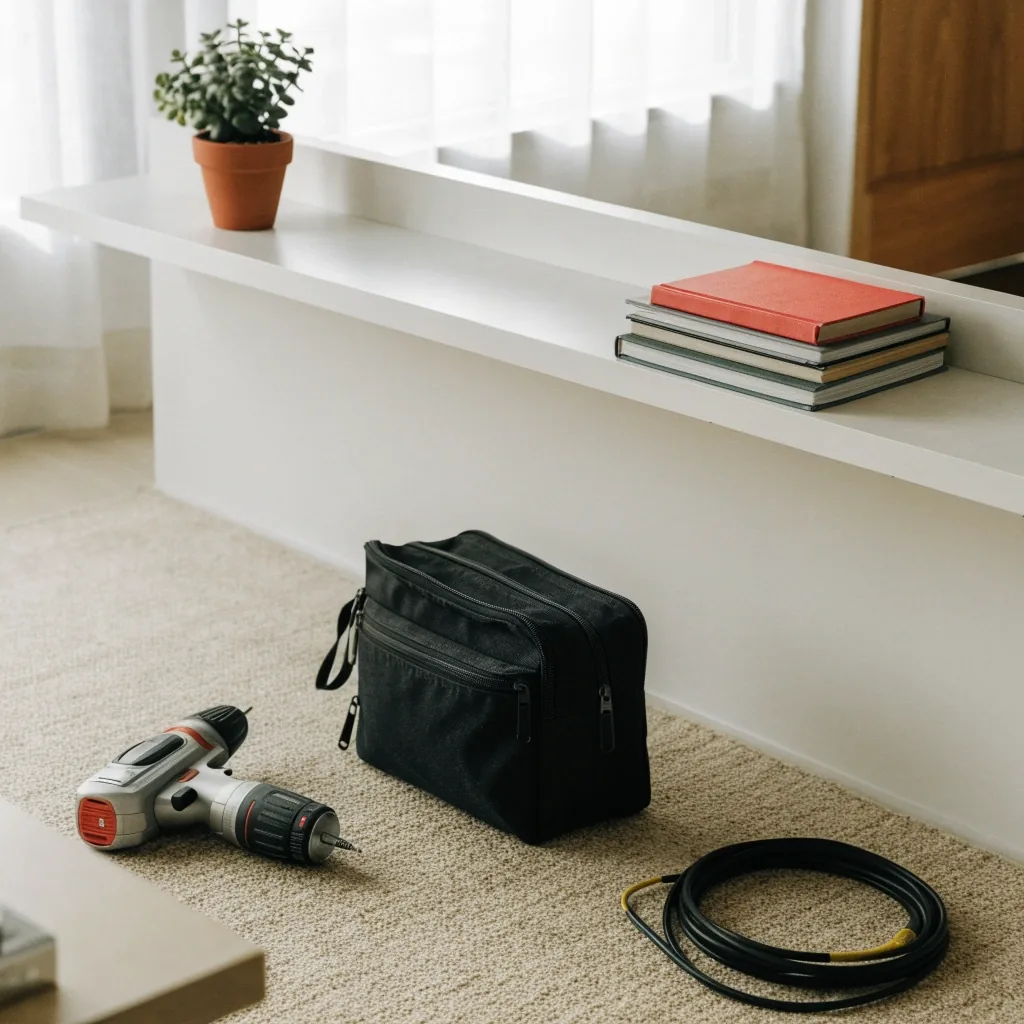
On the day — tools arrive with the Tasker
What happens on the day
The Tasker arrives in the booked window with their own tools for most jobs. You show them the space, answer any questions, and let them work. For jobs inside the home, you do not need to hover. For jobs where decisions matter, like TV height or furniture placement, stay available for the first few minutes.
If something is not right, say so before the Tasker leaves. Fixing it on the spot is easier than booking a second visit, and the booking record can be updated with the change while the Tasker is still on site. For repairs that turn out to need a licensed trade — gas lines, main electrical work, structural changes — the platform will tell you to hire a licensed contractor rather than push the job through a booking.
How payment works
Payment runs through the platform, so you are not handling cash with a Tasker you just met. Rates are shown before you confirm, and the booking record reflects what was agreed.
If the scope changes during the visit, the Tasker can adjust the booking, and you approve the change before it is charged. That is the point of cashless booking: the record matches what actually happened, and neither side has to reconstruct it afterward.
Rate shown before you confirm
You see the number on the booking screen, next to the Tasker's rating and the time window, before anything is committed.
Scope changes need your approval
An extra bracket, a second wall, a bigger load: the Tasker updates the booking and you approve the new total before it is billed.
One record for both sides
Messages, the agreed scope and the final amount stay on the same booking, which is also what a review is written against.
After the job: reviews and ratings
After the booking closes, you can leave a review. Reviews cover punctuality, communication, and quality of work. They are visible to future customers, and they are how Taskers build a reputation on the platform.
A detailed review helps more than a star rating alone. If the job went well, say what specifically worked: arrived on time, cleaned up, explained the fix. If it did not, say what happened, because that is what helps the next customer decide. Reviews are also how a Tasker hears that a window was too tight or that a quote needed explaining.
Rescheduling and cancellations
Plans change. The platform allows rescheduling and cancellation within the policy window, and the booking record shows the terms before you confirm.
Cancelling late affects the Tasker, who blocked that time and may have turned down other work for it, so the policy reflects that. If something urgent comes up, contact support and explain the situation. We would rather help you reschedule than have a Tasker show up to a locked door.
What the platform does not do
We do not dispatch, supervise, or guarantee the work. Taskers are independent professionals. We do not set their rates, and we do not handle permits or licensed trade work.
What we do is make the booking record clear, keep payment in one place, and give both sides a way to rate the experience. If a job needs a licensed contractor, the platform will tell you to hire one instead of letting the booking continue.
Tips for a smoother booking
None of these are complicated, and together they are the difference between a booking that runs smoothly and one that turns into three messages and a revised quote.
Be specific
Say the item, the wall, the room, the count. Ambiguity is what pushes a quote upward.
Add photos
Two photos usually replace five back-and-forth messages before the visit.
Confirm access
Parking, buzzer, gate code, pets. Put it in the booking, not in a text on the day.
Book enough time
An hour rarely covers assembly and mounting together. A longer block is cheaper than a second visit.
Stay reachable
Keep the platform messages open on the day in case the Tasker has a question about the space.
Leave a review
It takes a minute and it is the main thing that keeps profile ratings useful for everyone.
Questions before you book
Can I book a Tasker for the same day?
Often, yes, for small jobs in metro areas where Taskers are active. Availability shows in real time on the booking screen. Larger jobs like moving help or multi-room cleaning usually need more notice.
How do I pay a Tasker?
Payment runs through the platform. Rates are visible before you confirm, and any scope changes during the visit are approved before they are charged. You do not need to hand over cash.
What if the Tasker does not show up?
Contact support through the contact page or at +1-415-555-0198. No-shows affect a Tasker's standing on the platform, and we will help you rebook or resolve the booking.
Can I request the same Tasker again?
Yes, if that Tasker is available and accepts the job. Many customers rebook a Tasker they liked for recurring cleaning or repeat repair work, and the booking screen will show whether that person is free in your window.
What if the job turns out bigger than described?
The Tasker updates the booking with the new scope and rate, and you approve it before it is charged. If you would rather stop there, say so while they are on site and the booking closes at the original scope.
Ready to book your first Tasker?
Start from the service that matches the job. Furniture assembly, handyman and home repair services, moving help, cleaning and yard work all follow the same four steps you just read.
Where to go next
- Furniture Assembly
Flat-pack builds, wall anchoring, and the bits left over when the box is done.
- Handyman and Home Repairs
Small fixes, mounting, patching, and the jobs that never quite make a contractor's list.
- Pricing Guide
How rates are shown, what affects them, and what to compare across profiles.
- About Us
Who runs Taskrabbit and how the marketplace is set up.
425 Market Street, Suite 2200, San Francisco, CA 94105 · Mon–Fri 9:00 AM–6:00 PM · +1-415-555-0198